

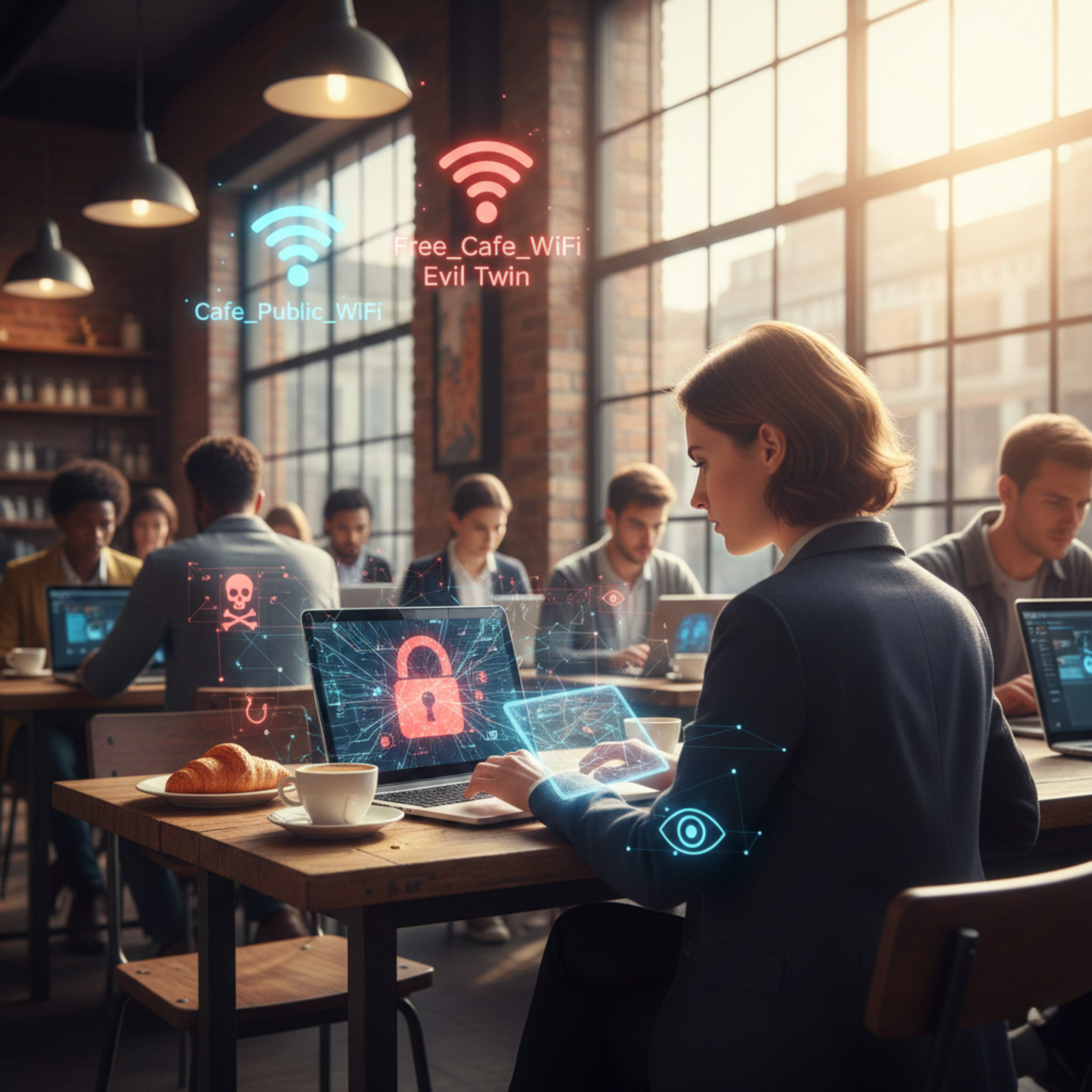
The modern employee is no longer tethered to a desk. The freedom to work from a coffee shop in a new city, an airport lounge, or a remote co-working space is a hallmark of the modern workplace. This “Work from Anywhere” (WFA) trend offers unprecedented flexibility, but it has quietly ushered in a substantial and often overlooked cybersecurity risk: the public Wi-Fi access point.
When an employee signs into a free hotspot at a café, hotel, or airport, they aren’t just connecting to the internet; they are potentially exposing your organization’s sensitive data, passwords, and entire network to invisible threats lurking on that same, unsecured network.
For businesses, this trend means the corporate security perimeter has dissolved, and the biggest security weakness is now the trust employees place in the word “Free.”
The Top Cybersecurity Risks of Public Wi-Fi
Public Wi-Fi networks are convenient precisely because they lack the strong security protocols (like encryption and robust authentication) used on corporate networks. This leaves devices vulnerable to a range of sophisticated and common attacks:
1. Man-in-the-Middle (MitM) Attacks
This is the most common threat. On an open network, a hacker can easily position themselves between an employee’s device and the Wi-Fi access point. This allows the attacker to intercept, read, or even modify the data being transmitted.
- The Danger: Even with HTTPS (the padlock in the browser bar), an attacker can glean valuable information or attempt to harvest credentials and session cookies, potentially leading to unauthorized access to corporate accounts.
2. Evil Twin Hotspots and Phishing
Cybercriminals can set up a fraudulent Wi-Fi network—an “Evil Twin”—with a name identical or very similar to the legitimate one (e.g., “Airport Free Wi-Fi” vs. “Airport Free WIFI”).
- The Danger: When an unsuspecting employee connects, the attacker has complete control over their internet traffic, allowing them to redirect the user to malicious websites, serve up fake login pages (phishing), or inject malware onto the device.
3. Network Snooping and Unsecured Devices
Many public networks do not isolate connected devices. This means that a hacker on the same coffee shop network can potentially see all other connected devices.
- The Danger: If an employee’s device has outdated operating system patches, misconfigured firewalls, or file-sharing enabled, the attacker can probe the laptop for open ports and vulnerabilities, and in some cases, gain direct access to local files.
Mitigation: Fortifying the Remote Worker
You can’t stop the WFA trend, but you can dramatically reduce the risk by equipping your employees with the right tools and knowledge. The solution involves a multi-layered defense strategy:
1. Make VPNs Mandatory (Virtual Private Networks)
A VPN is the single most critical defense. It creates a secure, encrypted tunnel between the employee’s device and the corporate network.
- Action: Enforce a policy that all company data access must happen through a pre-approved, company-provided VPN. Even if a hacker intercepts the data on a public network, it appears as indecipherable gibberish.
2. Implement Multi-Factor Authentication (MFA)
MFA provides a necessary layer of protection even if login credentials are stolen in a phishing attack.
- Action: Require MFA for access to all sensitive systems, including email, cloud storage, and internal platforms. If a password is compromised on public Wi-Fi, the attacker still cannot log in without the second factor.
3. Enforce Endpoint Management and Updates
Every device connecting to corporate resources (the endpoint) must be secured, monitored, and patched immediately.
- Action: Use Mobile Device Management (MDM) or Endpoint Detection and Response (EDR) tools to ensure devices are running up-to-date operating systems and security software, regardless of where they are physically located.
4. Continuous Training and Awareness
Technology is only as strong as its weakest link, which is often the user.
- Action: Conduct regular training that specifically addresses the dangers of public Wi-Fi, the use of fake hotspots, and how to verify a network’s legitimacy. Employees should be taught to favor their mobile carrier’s hotspot over any free, unverified public Wi-Fi.
The WFA trend is here to stay, and so is the risk of the coffee shop office. By acknowledging that your security perimeter now extends to every café and airport lounge, your organization can proactively safeguard its most valuable asset: its data.